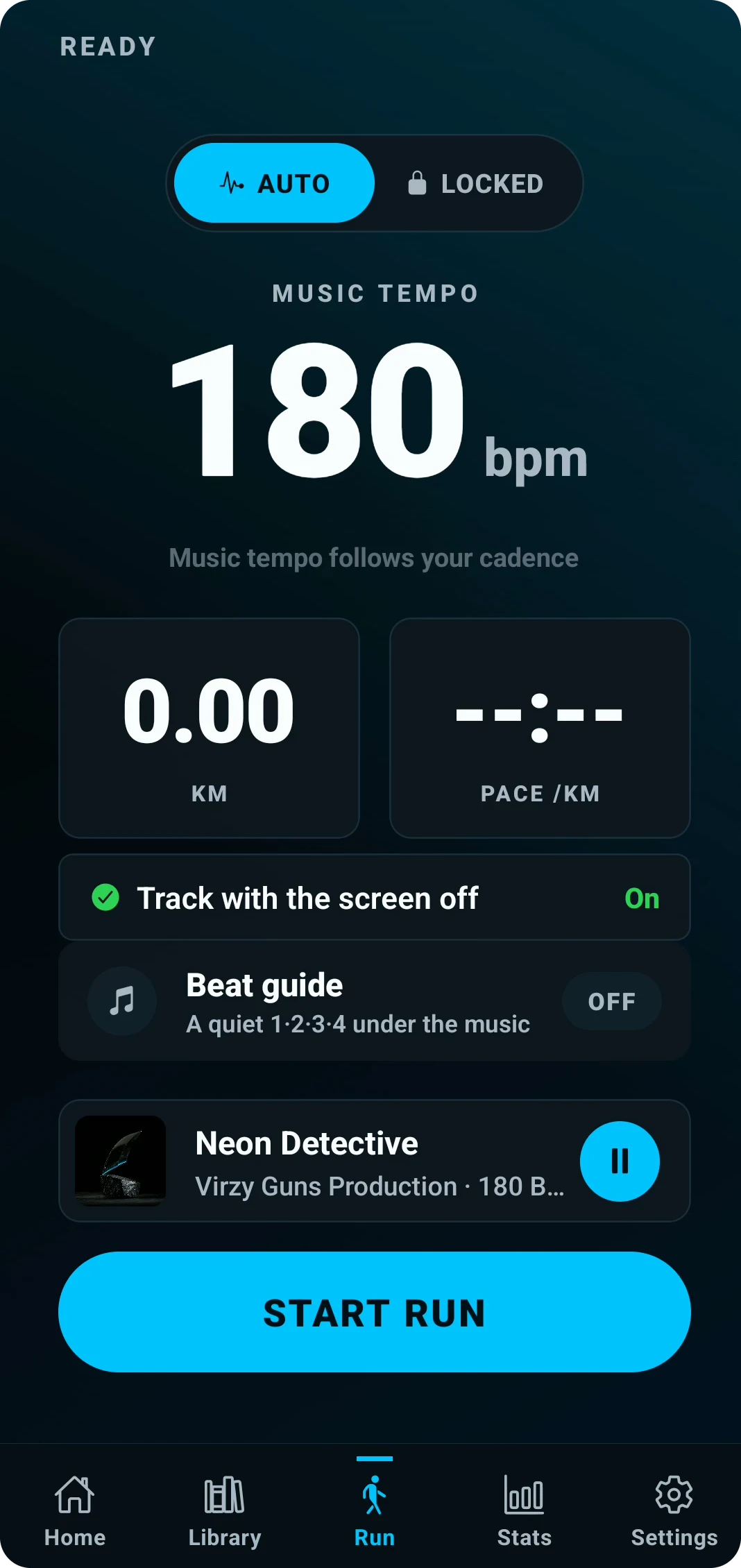
Music built for your cadence.
Choose a music tempo from 130 to 180 BPM. Let AUTO follow your cadence estimate, or LOCKED hold one target steady.
130 TO 180 BPMAUTO / LOCKED

Tap your stride.
Tap four steady beats. Find your rhythm, then match it to the nearest CADENZ tempo.
MUSIC TEMPO
150BPM
One beat every 400 ms.
4 taps to measure.
CADENZ 1–2–3–4 · Sound off
400 MS / BEATCHOOSE YOUR BPM150 BPM
ONE RUN.
YOUR RHYTHM.
Pick a track. Set your tempo. Start your run. Explore the real app below.
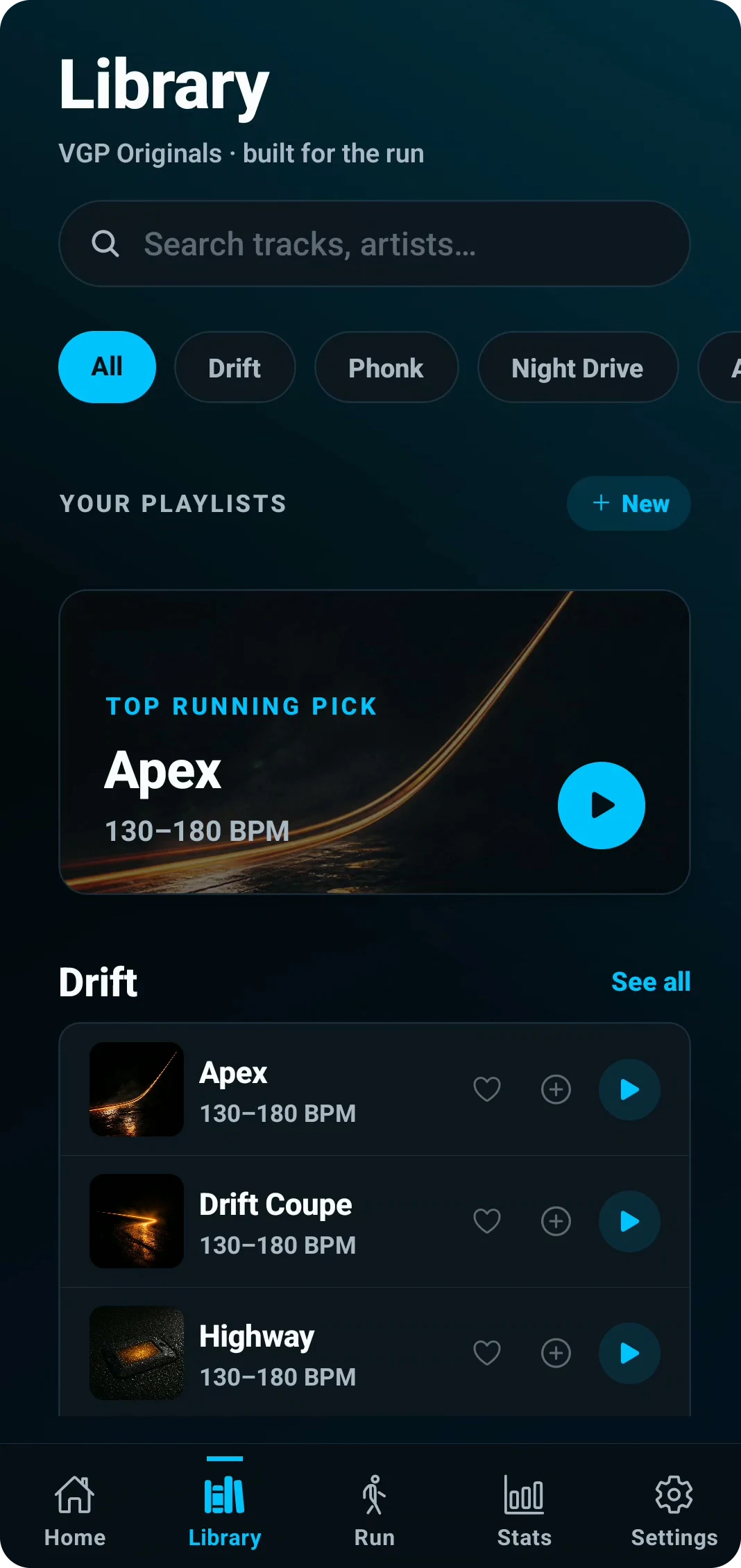
Pick a track.
Browse by genre. Find a track and choose a tempo for your run.
DETAILTOP RUNNING PICK
Library·Browse
Click steps, use ← →, swipe the phone, or play the flow.
SAME RUN.
DIFFERENT RULE.
LIVE / ADAPTIVE
AUTO
Cadence changes. Music tempo follows.
CADENCE→150 BPM
Move the cadence control to see the music target follow.
150 SPM in150 BPM out
Illustration: music follows at 150 BPM.
CADENCE INPUTVARIABLE
MUSIC TEMPOFOLLOWS
REFERENCE / AUTO 180CURRENT APP UI